Ghost touches on your phone: causes and fixes
Ghost touches are taps your phone registers when nobody is touching it. Most come from a screen protector or case, dirt or moisture, or electrical noise from a charger. Rule those out, then restart, update and test in safe mode before you blame the screen.
 By PhoneProof Engineering
7 min read
What is ghost touch?
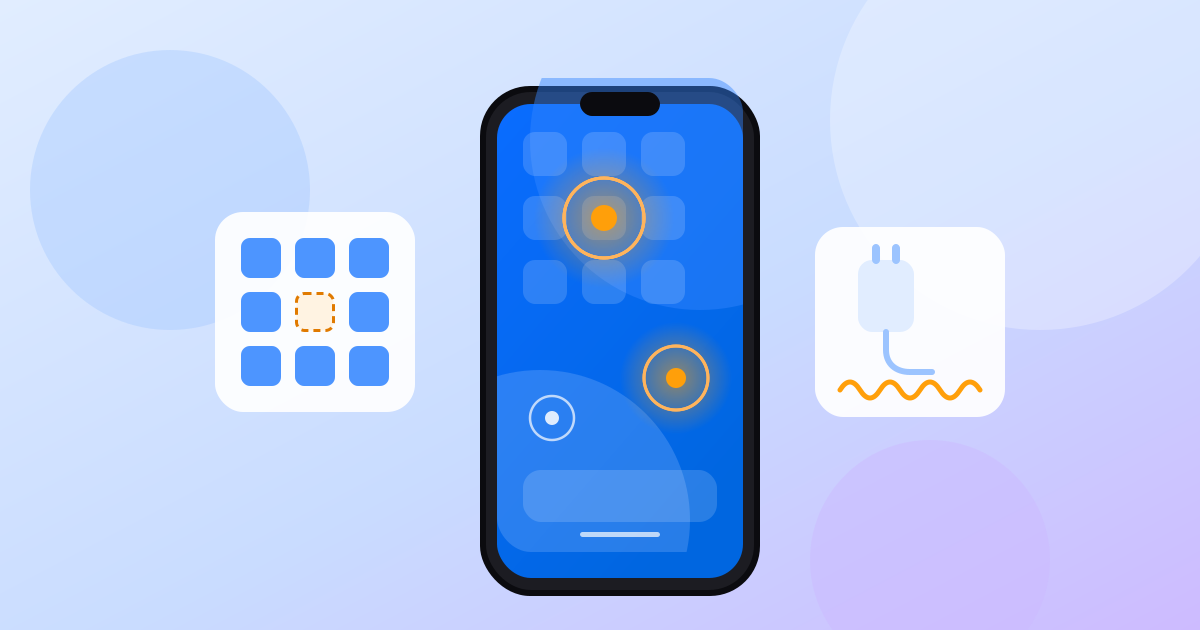
Ghost touch, or phantom touch, is when your phone acts as if someone is touching the screen: apps open, the keyboard types, pages scroll. The touch sensor measures tiny changes in electrical charge, and something other than your finger is causing them. Finding that something is the whole job.
Why does my phone screen touch by itself?
The common causes, roughly from most likely and cheapest to rule out:
| Cause | What you notice | Quick test |
|---|---|---|
| Screen protector or case | Phantom taps near the edges or where a protector lifts | Use the phone bare |
| Dirt, water or sweat | Trouble after rain or a workout | Clean and dry the glass |
| Charger, cable or outlet | Only while plugged in, worse on a desk | Unplug, or swap charger |
| Software bug or app | Started after an update or a new app | Restart, update, safe mode |
| Replacement screen | Started after a screen repair | Go back to the repairer |
| Damage or pressure | Cracks, a bent frame, a lifting screen | Inspect under a light |
Samsung warns that protectors and cases "may affect touch sensitivity and gesture recognition", especially non-genuine ones near the edges.
What should I check first?
Start with what is free and quick, and stop when the phantom taps stop. Each step rules out one cause.
How do I fix ghost touch on an iPhone?
- Remove the case and screen protector. If the taps stop, the accessory was the cause.
- Clean and dry the screen. Apple lists debris and water as things to rule out.
- Unplug every accessory. If the screen behaves once nothing is on the Lightning or USB-C port, Apple suggests trying a different outlet, cable or charger.
- Restart, then update. Update in Settings > General > Software Update. If only one app misbehaves, iFixit suggests updating or reinstalling it.
- Rule out software. iFixit's last software step is a restore in recovery mode, which erases the phone. Back up first.
If it still happens, Apple says you may need to set up service.
How do I fix ghost touch on Android?
Menu names vary by maker and Android version. These paths come from Google's and Samsung's own pages.
- Remove the protector and case, then clean and dry the glass. If you keep a protector on a Galaxy, Samsung suggests turning on Settings > Display > Touch sensitivity.
- Unplug and test again. The charger logic is the same as on an iPhone.
- Make every touch visible. Tap Build number seven times to turn on developer options (Pixel: Settings > About phone; Galaxy S8 or later: Settings > About phone > Software information). There, Show taps draws a circle under each touch and Pointer location draws crosshairs, coordinates and the path of every touch. A phantom touch now shows exactly where it lands.
- Restart in safe mode. Safe mode runs only the core software. Google says that if the problem stops there, an app is likely the cause, so remove recent apps one at a time. On a Galaxy, open the power menu, touch and hold Power off, then tap Safe mode. Restart to exit.
- Update and run the maker's test. On a Galaxy: Settings > Software update, then Samsung Members > Support > Get started > Touch screen.
When is ghost touch a hardware fault?
If phantom touches survive every step above, what is left is the panel or something pressing on it.
- Cracks and bends. iFixit notes that "minor cracks in the screen or bends in the housing are often responsible for touch problems." Tilt the phone under a light to spot hairline cracks.
- Replacement screens. "Third party replacements are of variable quality," says iFixit. If the trouble began after a repair, go back to the repairer. When buying used, ask whether the screen has been replaced.
Is the screen lifting? A swollen battery presses on the display. iFixit lists a hazy white patch and a gap between screen and body as signs. Do not press the screen back down, and get the battery replaced. Our battery health guide explains when a battery is worn out.
Repair prices vary too much by model and country to quote. Apple's screen repair page estimates the cost for your iPhone; other makers' service centres quote too.
How do I find dead touch zones?
A dead zone is the reverse: a patch of screen that ignores real touches. It is easy to miss when buying second-hand. It is not always hardware: in 2017 Google promised a software update after some Pixel 2 XL screens ignored taps at their very edges.
Finding one takes a grid test: touch every square of the screen. A square that never responds while its neighbours do is a dead zone.
PhoneProof's touch test works this way. You slide a finger over a grid until every square turns green. The touch sensor reports every touch with its own timestamps, so a square that never responds while its neighbours do is a dead zone, and the app tells you where. A second step checks that several fingers register at once. A dead touch area is a critical finding that caps the screen score. Strips the system keeps for edge gestures are shown but not counted.
PhoneProof checks touch coverage and multi-touch; it does not detect ghost touches. How the checks work explains each test, and the 10-minute used phone check shows where it fits before you pay.
For the technically curious
Phone touchscreens use projected capacitance: transparent transmit rows and receive columns, with a small mutual capacitance at every crossing. A finger near a crossing reduces it, and the controller turns the pattern of changes into a position. The signal is tiny. A 2013 Cypress white paper puts a full touch at "often no more than 0.2 pF", about 5 to 500 femtocoulombs of charge.
A switching charger leaks interference through its transformer, and that noise sits equally on the phone's ground and power: it is common-mode, so the whole phone moves relative to earth and nothing inside notices. Touch the screen and your finger adds 1 to 3 pF of coupling to earth, so noise current flows out right at the touch point. Cypress says good chargers keep common-mode noise to 1 to 3 V, while poor ones can reach 40 V peak or more. At 5 to 50 V the injected charge is 10 to 100 picocoulombs, 10 to 100 times a full touch.
Held in the hand, your body couples the whole phone to earth and little current flows through the fingertip. That is why ghost touches that stop when you unplug or pick the phone up point at the charger.
Frequently asked questions
Can a screen protector cause ghost touches?
Yes. Samsung says protectors and cases can affect touch sensitivity, especially non-genuine ones near the edges, and Apple lists removing them in its troubleshooting. Use the phone bare for a while to check.
Why does my phone only ghost touch while charging?
A noisy charger shifts the whole phone electrically, and the noise flows out through your finger where it looks like a touch. It is worst with the phone on a desk. Try a different charger, cable and outlet.
Will a factory reset fix ghost touch?
Only if the cause is software, and it erases the phone, so try a restart, updates and safe mode first. If ghost touches continue after a clean restore with nothing attached, the fault is hardware.
Can PhoneProof detect ghost touches?
No. PhoneProof's touch test checks coverage and multi-touch: it flags any area that never responds as a dead zone and checks that several fingers register at once.
Sources
- Apple Support: If the screen isn't working on your iPhone or iPad
- Apple Support: Update your iPhone or iPad
- Samsung US: Troubleshoot touchscreen issues on a Samsung Galaxy device
- Android Developers: Configure on-device developer options
- Android Help: Find problem apps by rebooting to safe mode
- iFixit: iPhone Ghost Touch
- iFixit: What to do with a swollen iPhone battery (2023)
- Cypress Semiconductor: Noise Immunity of Touchscreen Devices (2013)
- eeNews Europe: Understanding electromagnetic interference sources in touchscreens (2011)
- 9to5Google: Google will address unresponsive Pixel 2 XL touchscreens (2017)
- Apple Support: iPhone screen repair
Map every square of the screen before you buy.
PhoneProof runs up to 30 hardware checks on the phone in your hand and gives one score out of 100. No account, no ads.
Keep reading
 8 min read
Used phone checklist: the 10-minute check before you pay
Used phone checklist for the meetup: check the IMEI and account locks, read battery health, then test the screen, sound, cameras and sensors in 10 minutes.
 8 min read
Best value used phones in 2026, by budget
Best-value used phone in late 2026: the Pixel 8, about $275 with Google updates to October 2030. Picks under $150, $300 and $500 for iPhone, Pixel, Galaxy.
 8 min read
Muffled phone speaker? Clean it, test it or replace it
A muffled phone speaker is usually lint, water or a setting, not a broken part. Rule out software, clean the grille with a soft dry brush, then test it.