Phone battery health explained: what 80% really means
Battery health estimates how much charge your battery holds today compared with when it was new. 80% is the usual replacement line: Apple and Google design their batteries to keep 80% for a rated number of charge cycles.
 By PhoneProof Engineering
7 min read
What does battery health actually mean?
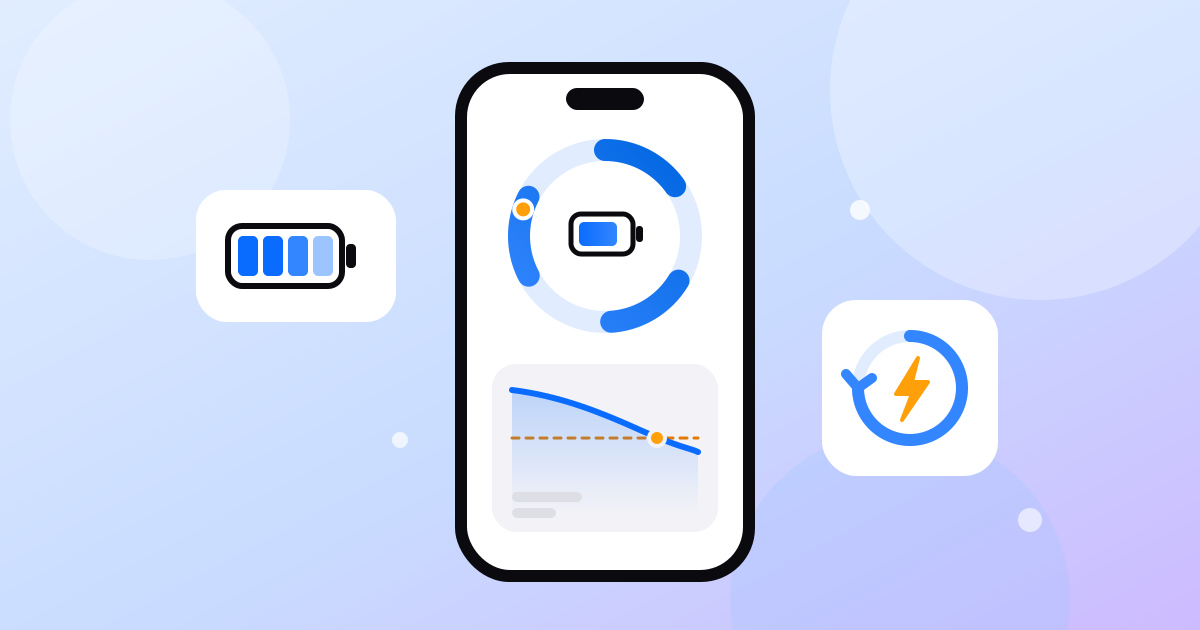
A lithium-ion battery slowly loses how much charge it can store. Battery health puts a number on that loss: Apple and Google both describe it as capacity relative to when the battery was new.
So 87% health does not mean 87% charged. It means a full charge today holds about 87% of what it held on day one. The phone still shows 100% when full; the tank is just smaller.
Why is 80% the number everyone uses?
It is the figure manufacturers design and rate their batteries against. Makers state how many charge cycles a battery should take to reach 80% under ideal conditions:
| Phone | Designed to keep 80% for |
|---|---|
| iPhone 14 and earlier | 500 complete charge cycles |
| iPhone 15 and later | 1,000 complete charge cycles |
| Pixel 3 to Pixel 8 Pro, Pixel Fold | About 800 cycles |
| Pixel 8a and later | About 1,000 cycles |
Google also uses 80% as its replacement line: a Pixel's status changes from "Normal" to "Reduced" below 80%, and Google suggests a new battery then or at the rated cycle count.
What counts as a charge cycle?
Apple defines one cycle as using an amount equal to 100% of the battery's capacity, not one trip to the charger. Using 50% today and 50% tomorrow is one cycle.
Cycle count and capacity fade are linked but not the same. Two phones with 400 cycles can show different health, because heat and time at full charge add wear that cycles do not capture.
Why is the battery health number only an estimate?
No phone can measure its capacity directly. A chip called a fuel gauge estimates it from voltage, current and temperature over many charges (more below). That leaves room for error:
- Apple shipped a recalibration in iOS 14.5 to fix "inaccurate estimates of battery health reporting" on iPhone 11 models.
- Google says the starting values behind Pixel's figure come from lab results and may differ from your battery.
- On iPhone XS and later, a battery that cannot be verified as genuine shows a warning, and Apple says its health figure might not be accurate.
Treat one reading as right to within a few points.
Does a worn battery slow my phone down?
It can. An aged battery struggles to deliver peak power. If that causes an unexpected shutdown, iOS applies performance management to prevent another, which can mean slower app launches, lower scrolling frame rates and a dimmer backlight. Calls, camera quality and GPS are not affected. It shows under Peak Performance Capability, and switching it off only lasts until the next unexpected shutdown.
How do I check battery health on an iPhone?
- Open Settings, then Battery.
- Tap Battery Health (iPhone 15 and later) or Battery Health & Charging (iPhone 11 to 14).Read Maximum Capacity and Peak Performance Capability.
- On iPhone 15 and later with iOS 17.4 or later, scroll for the cycle count.The same screen shows the manufacture date, the date of first use and whether a battery replacement is recommended.
iOS does not share battery health or cycle count with apps, so no app can read them for you. In PhoneProof you type the figures in from Settings and they are marked as "entered by you" in the result.
How do I check battery health on Android?
It depends on the maker. Paths are from each maker's support pages and can vary by model and software version.
| Phone | Where to look | What you get |
|---|---|---|
| Pixel 8a and later | Settings > Battery > Battery health | Normal or Reduced, plus estimated capacity under Battery capacity |
| Pixel 8a and later | Settings > About phone > Battery information | Cycle count, manufacture date, date of first use |
| Samsung Galaxy | Samsung Members > Support > Phone diagnostics > Battery status | Normal, Weak or Bad |
| Other Android | Varies by maker | Apps can read the cycle count on Android 14 and later where the phone reports it |
Android 14 added a cycle count that apps can read. PhoneProof shows it alongside the system's level, state and temperature, and measures charging power over about 20 seconds with the charger plugged in. A health percentage is rarely shared with apps on Android, so it appears only where the system provides it or you type it in. See how the checks work.
When should I replace my phone battery?
Treat 80% as a prompt, not a deadline. Replace the battery when:
- Health is below 80% and the phone no longer lasts your day.
- The cycle count is past the rating in the table above.
- The phone shuts down unexpectedly or has been slowed by performance management.
- The system says so: Reduced on Pixel, Bad on Samsung, or a replacement recommendation on iPhone.
Buying second-hand? Our 10-minute used phone check covers the battery with the screen, speakers and cameras, and best value used phones in 2026 helps you shortlist models. In a PhoneProof result, a battery the system reports as dead, or one worn well below its original capacity, caps the battery score.
How can I slow down battery wear?
Heat and long periods at full charge wear lithium-ion cells fastest, and together they are worse.
- Keep it cool. Apple says ambient temperatures above 35 °C "can permanently damage battery capacity". Avoid charging in a hot car or under a pillow.
- Limit time at 100%. Optimised Battery Charging (on by default on iPhone) delays charging past 80% until you need it, and iPhone 15 and later can cap charging between 80% and 100%. Samsung's Battery protection (Settings > Battery > Battery protection, One UI 6.1) can stop at 80%. Pixel's Battery health assistance gradually lowers the maximum voltage from 200 cycles.
- Top up rather than run flat. Battery University notes partial discharges stress the battery less than full ones.
For the technically curious
Why capacity fades. A thin film called the solid electrolyte interphase (SEI) grows on the graphite anode with use. It traps lithium that can no longer carry charge and, as Battery University notes, raises internal resistance. High charging rates can plate lithium on the anode, and holding cells above about 4.10 V at high temperature speeds up electrolyte breakdown. Battery University estimates each 0.10 V lower peak charge voltage roughly doubles cycle life, which is why 80% limits and Pixel's voltage reduction help.
How the phone estimates capacity. Texas Instruments' Impedance Track report describes a common method. After the battery rests, its open-circuit voltage maps to a depth of discharge (DOD). The gauge counts the charge that flows between two rested readings and divides: Qmax = charge passed ÷ (DOD2 − DOD1). TI's gauge skips this update outside 10 to 40 °C or on the flat part of the voltage curve, which is why health readings settle over weeks rather than one charge.
Frequently asked questions
Is 85% battery health good?
Yes. It means the battery holds about 85% of its original charge, above the 80% level phones are designed to keep for their rated cycles. Expect a little less screen time per charge than when new, but no replacement yet.
Should I replace my battery at 80%?
Not automatically. Google suggests considering a replacement for Pixel phones below 80%. If the phone still lasts the day and does not shut down unexpectedly, you can wait. Replace it when runtime no longer suits you, the phone shuts down or slows, or the system recommends service.
Can battery health go back up?
The chemistry does not repair itself, but the reading can move. Battery health is an estimate that phones recalibrate during normal charging, so it can rise or fall by a point or two. A jump usually means the estimate was corrected, not that the battery improved.
Is it bad to charge my phone to 100% every night?
It is not harmful in itself, but long hours at full charge, especially when warm, wear the cells faster. Optimised Battery Charging on iPhone and Adaptive battery protection on Samsung hold the charge near 80% overnight and finish before you usually unplug.
Sources
- Apple Support: iPhone battery and performance
- Apple Support: About the battery and performance of iPhone 11 and later
- Apple Support: About Optimized Battery Charging on your iPhone
- Apple Support: About recalibration of battery health reporting in iOS 14.5 or later
- Apple: Batteries, why lithium-ion
- Apple: Batteries, maximising performance
- Google Pixel Help: Check your battery health
- Samsung UK: How to check the battery status on your Samsung Galaxy phone
- Samsung UK: Galaxy Battery protection feature in One UI 6.1
- Android Developers: BatteryManager.EXTRA_CYCLE_COUNT (API level 34)
- Battery University: BU-808, How to prolong lithium-based batteries
- Battery University: BU-808b, What causes Li-ion to die?
- Texas Instruments: Theory and implementation of Impedance Track battery fuel-gauging algorithm (SLUA364B)
Know the battery before you buy the phone.
PhoneProof runs up to 30 hardware checks on the phone in your hand and gives one score out of 100. No account, no ads.
Keep reading
 8 min read
Used phone checklist: the 10-minute check before you pay
Used phone checklist for the meetup: check the IMEI and account locks, read battery health, then test the screen, sound, cameras and sensors in 10 minutes.
 8 min read
Best value used phones in 2026, by budget
Best-value used phone in late 2026: the Pixel 8, about $275 with Google updates to October 2030. Picks under $150, $300 and $500 for iPhone, Pixel, Galaxy.
 8 min read
Muffled phone speaker? Clean it, test it or replace it
A muffled phone speaker is usually lint, water or a setting, not a broken part. Rule out software, clean the grille with a soft dry brush, then test it.