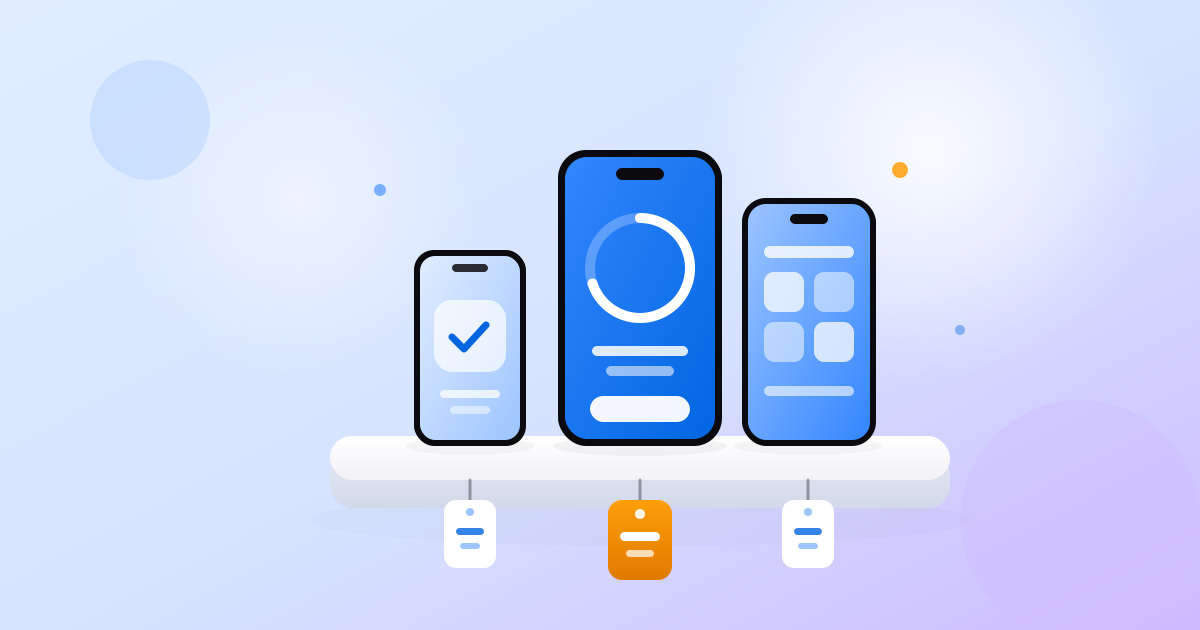
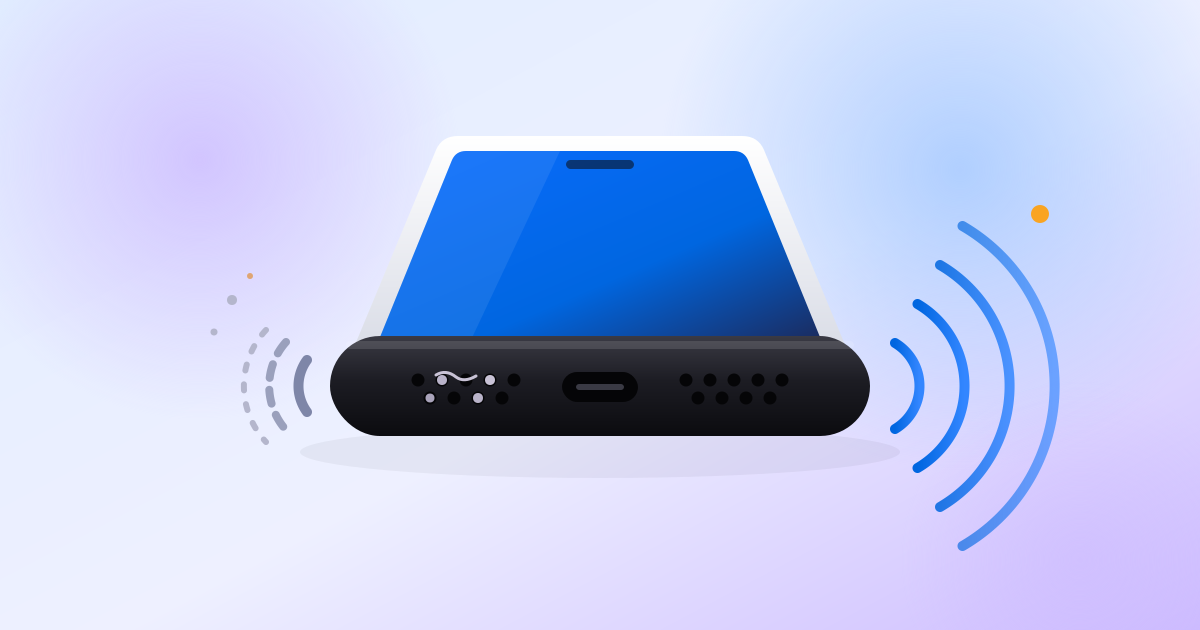
PhoneProof runs up to 30 hardware checks on the phone in your hand: screen, speakers, microphones, cameras, sensors, battery and signal. You get one score out of 100 in about six minutes.
Animated preview of the app: the Check tab with a large Check this phone button and the list of what gets checked, then a running check (Check 1 of 13, measuring the loudspeaker), then the result: 82 out of 100, good condition, 1 thing worth fixing.
9:41
PhoneProofiPhone 15 · 128 GB
Check this phone
About 6 minutes. Keep the room quiet.
What gets checked
Screen50 s
Touch55 s
Speakers35 s
Microphones5 s
Cameras40 s
Buttons15 s
Sensors40 s
Battery55 s
Signal25 s
No account. No ads.
CheckPartsReports
9:41
Check 12 of 13
Leave it on the table · About 65 minutes left
On the table
Speakers
Microphones
Cameras
Buttons
Sensors
Battery
Signal
Pick up
LoudspeakerMeasuring
The loudspeaker plays a short sweep and the microphone records it. Keep the room quiet.
SpeakersPassed
MicrophonesWaiting
MicrophonesMeasuring
Each microphone records a moment of silence so we can check its noise level.
CamerasWaitingUp next
ButtonsWaiting
SensorsWaiting
BatteryWaiting
SignalWaiting
ScreenWaiting
TouchWaiting
Skip this check
9:41
Your phone
iPhone 15 · tested today
82out of 100
Good condition
1 thing worth fixing
Screen40
Sound94
Battery92
Cameras92
Sensors96
Signal90
Parts
Front camera92
Screen40
Buttons96
Microphone94
Earpiece95
CheckPartsReports
Photos don't show a dead microphone.
A used phone can look perfect and still have a dead touch zone, a blown speaker, a ghost image burned into the screen or a GPS that never locks. You usually find out after the money has changed hands.
Six minutes at the meetup costs less than a repair.
$420
Used phone, 128 GB
Like new. Works perfectly.
Listed 2 hours ago
Touch dead zone
Quiet loudspeaker
Screen burn-in
No GPS fix
Three steps. One score.
9:41
PhoneProofiPhone 15 · 128 GB
Check this phone
About 6 minutes. Keep the room quiet.
What gets checked
Screen50 s
Touch55 s
Speakers35 s
Microphones5 s
Cameras40 s
Buttons15 s
Sensors40 s
Battery55 s
Signal25 s
No account. No ads.
CheckPartsReports
1
Open it on the phone you want to buy.
Install PhoneProof on the phone itself, or ask the seller to. No sign-up, nothing to set up.
9:41
Check 12 of 13
Leave it on the table · About 65 minutes left
On the table
Speakers
Microphones
Cameras
Buttons
Sensors
Battery
Signal
Pick up
LoudspeakerMeasuring
The loudspeaker plays a short sweep and the microphone records it. Keep the room quiet.
SpeakersPassed
MicrophonesWaiting
MicrophonesMeasuring
Each microphone records a moment of silence so we can check its noise level.
CamerasWaitingUp next
ButtonsWaiting
SensorsWaiting
BatteryWaiting
SignalWaiting
ScreenWaiting
TouchWaiting
Skip this check
Paint every square
Slide one finger over every square until it turns green. Near the edges, tap the squares instead of sliding.
Skip
2
Tap once. It measures.
The speaker plays a sweep and the microphone records it. You paint the screen to find dead touch areas. Cameras, sensors, buttons and radios each get their turn.
9:41
iPhone 15 · tested today
Your phone is in good shape, with one thing to fix.
Screen40
Screen colours100
Burn-in100
Touch30
Part of the screen did not respond to touch: a spot near the centre. Your finger passed over it several times and the squares around it worked.
Screen covered99.1 %
Measured
Squares that responded111 of 112
Measured
Test the touch screen again
Multi-touch100
Sound94
Loudspeaker92
Earpiece95
Stereo balance100
3
Read the result before you hand over the cash.
One score out of 100 and a plain sentence for every finding: what it means and what to do next.
Step illustrations: a tap on the Check this phone button; the loudspeaker being measured, then the full-screen touch test where every square turns green except one that did not respond; and the result screen with the Screen area at 40, its Touch row opened with the finding and a button to test the touch screen again.
What gets checked
Screen
Colours, burn-in, touch across the whole panel, multi-touch.
Buttons, vibration, motion, proximity, barometer, light, Face ID or fingerprint.
Battery
Status, charge cycles, health, charging.
Signal
Wi-Fi, Bluetooth, mobile network, NFC, GPS.
It also reports storage, memory and processor details. Some checks depend on the phone: iOS does not share battery health with apps, so PhoneProof shows you where to find it.
Real measurements, not a checklist.
Most of the scan is measured, not ticked off. The phone tests itself: it plays, shows or senses something and records how its own hardware responds.
It hears its own speaker.
A tone sweeps from low to high and the phone’s microphone records it, three times, to catch a muffled or distorted speaker.
It maps every touch.
You paint a grid and the touch sensor reports each square with its own timing. A dead spot shows up on the map.
Its sensors check each other.
The motion sensor feels the vibration motor. The camera sees the flash come on. Neither relies on you saying yes.
The speaker test records the real output. The touch test maps the real panel. Where a check needs your eyes, like burn-in, the app says so instead of guessing.
What it will not claim
Whether parts are genuine or replaced. No app can read that.
Whether the phone is stolen, locked or still being paid off.
A pass on something it could not test. Unchecked items are listed as not checked.
Selling? Show the result.
Run the check and share the result card with your listing. A buyer can run the same check when you meet.
PhoneProofiPhone 15128 GB · iOS 26
82out of 100
Screen40
Sound94
Battery92
Cameras92
Sensors96
Signal90
Parts
Front camera92
Screen40
Buttons96
Microphone94
Earpiece95
Rear cameras92
Battery92
Speaker94
Charging port90
Sensors96
Signal90
Storage128 GB
ProcessorFine
No code
Unsigned previewTested 17 Nov 2026.Signing is not available in this build.
Preview · not signed
Nothing leaves the phone.
Audio, pictures, location and sensor readings are analysed on the device.
No account, no ads, no analytics.
Your last 50 checks are saved on the phone only. Clear them any time.
Used phone checklist for the meetup: check the IMEI and account locks, read battery health, then test the screen, sound, cameras and sensors in 10 minutes.
Best-value used phone in late 2026: the Pixel 8, about $275 with Google updates to October 2030. Picks under $150, $300 and $500 for iPhone, Pixel, Galaxy.
A muffled phone speaker is usually lint, water or a setting, not a broken part. Rule out software, clean the grille with a soft dry brush, then test it.
By PhoneProof Engineering
Questions
How do I test a used phone before buying it?
Install PhoneProof on the phone, tap Check this phone, and follow the prompts. In about six minutes you get a score out of 100 and a plain-language list of anything that needs attention.
Does it work on iPhone and Android?
Yes. A few checks differ by system. iOS does not share battery health or charging speed with apps, and Android shares the charge-cycle count from Android 14.
How long does it take?
About six minutes for the full check. You can also test a single part on its own.
Is it free?
Yes. There is no account and there are no ads.
Does it need an internet connection?
No. The checks run on the phone and the results stay on it.
Can it tell if parts were replaced or if the phone is stolen?
No. No app can read part history, and PhoneProof does not check theft, carrier lock or financing status.
What happens to my data?
Nothing is uploaded. Audio and camera frames are analysed on the phone and never saved or sent.
Check it before you pay for it.
Buying this week? Install PhoneProof now so it is ready when you meet the seller.

 8 min read